Deep Dive
Vehicle Buying Process
Procreate - Powerpoint - InDesign 2024
Project: College Work
Audience: Potential Chevorlet clients & customers searching for a new vehicle.
Purpose: Eliminate most/all common car-buying annoyances for everyday buyers.
Style: Informative/User-friendly
The Goal.
Design a more engaging and user-friendly vehicle configurator kiosk that improves the car-buying experience at Chevorlet.
Research Summary
Who’s buying Chevrolet vehicles?
Most Chevrolet SUVs are used/described as “family vehicles." “Family vehicles” are built/designed for child-"heavy" families. A durable, large, safe, and reliable vehicle customers use to transport their loved ones on a day-to-day basis.
Identifying Problems
Why do people dislike buying vehicles?
The leading cause of stress during buying stems from factors such as limited availability of test-drive vehicles, lengthy wait times for appointments, lack of personalized attention from dealership staff, and a disconnect between the test-driving experience and the customer’s preferences/needs.
Car Purchasing Pain-Points
Salesmen
The “Spiel”
Warranties
Paperwork
The Solutions
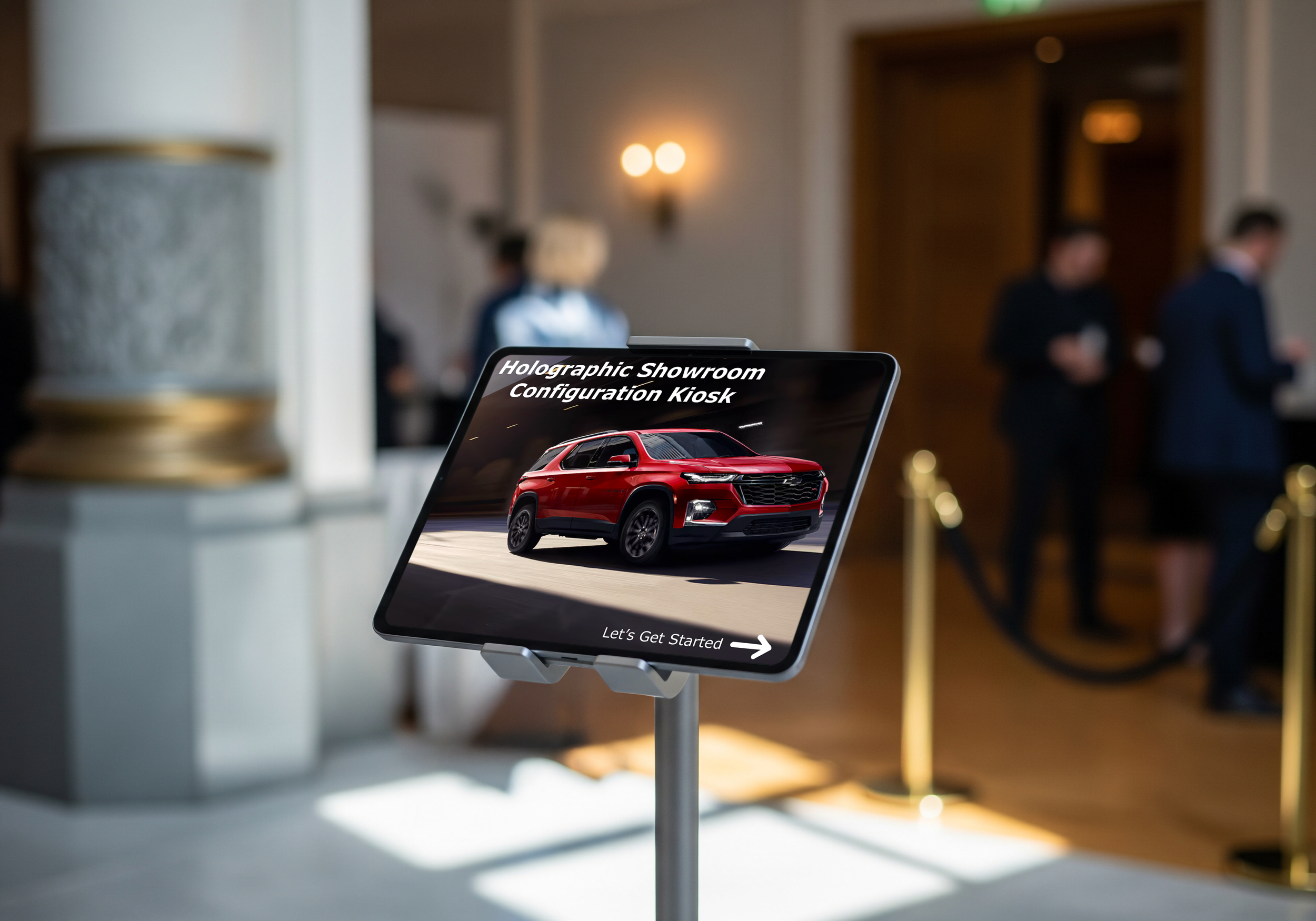
Holographic Showroom
After the user completes the customization features, they will be directed to the holographic showroom. The holographic showroom will have panels surrounding the walls and floors to create the hologram of the user’s newly designed vehicle.
When I think of who’s buying the performance cars, I immediately think of retired folks or the racing industry. I also think about car collectors. All wealthier customers.
As a result, buyers may feel discouraged from fully experiencing the vehicle and making informed purchase decisions, ultimately impacting sales and customer satisfaction. Besides the limited availability, there is the factor of customizing the vehicle. A customer comes in knowing exactly what they want, but the salesperson does not care. As a result, there is a growing distrust between customer expectations and reality. Specifically, for personalized vehicle ownership experiences and the offerings available at the dealerships.
Unwanted “Sneaky” Add-Ons
Time-Consuming
Hidden Price Increases
Bargaining
Interactive Configuration Kiosks
To enhance the experience of new and experienced car shoppers, users can adjust all aspects of the car, making it unique to the user’s taste. The first step in the process begins with a personality/habit/needs questionnaire.
When I think about who’s buying trucks, I think of business. Specifically, construction, movers, farmers, etc. All heavy/outdoor workers. Jobs that include long-distance traveling, quick transportation of materials, and more.
Current showroom displays at dealerships lack comprehensive representation of customized vehicle features. Even with all the time in the dealership, the showrooms only offer so much. Resulting in a disconnect between customer expectations and the showroom experience.
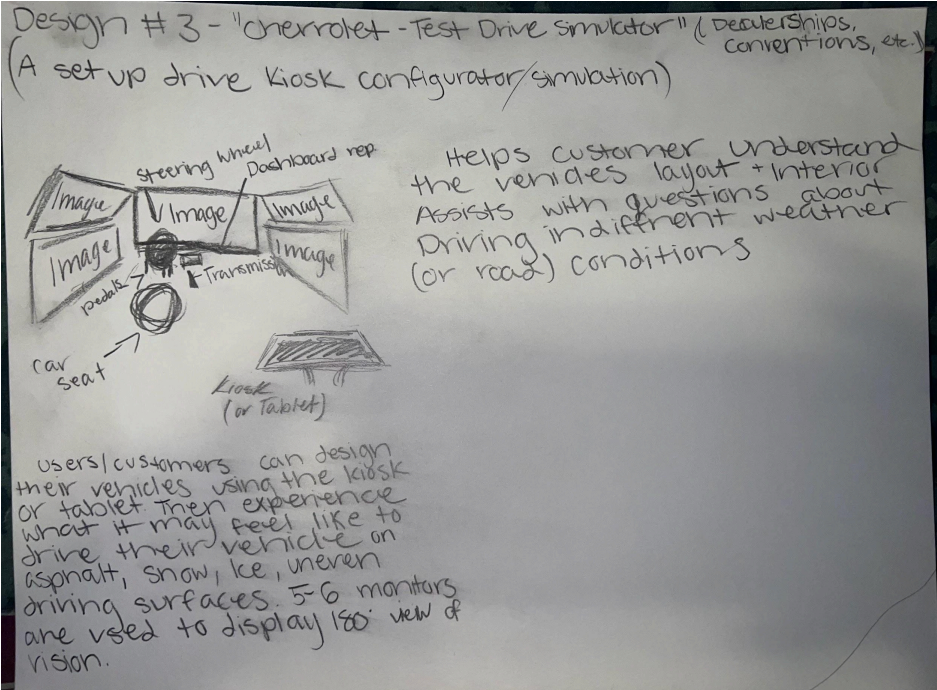
Virtual Test Drive Simulator
Once the user is satisfied with their creation in the showroom. The user will be guided to the virtual test drive pod. In the pod, the user will have to wear a VR headset and be seated on a car seat. Occupied with a steering wheel, brake pad, accelerator, and transmission to simulate an authentic experience.
The seat itself will be able to move around to simulate movement. The screen that the user will see will have different options for different terrains in which they could encounter the car. This way, the user will experience how the car functions on different road conditions.
Design 1
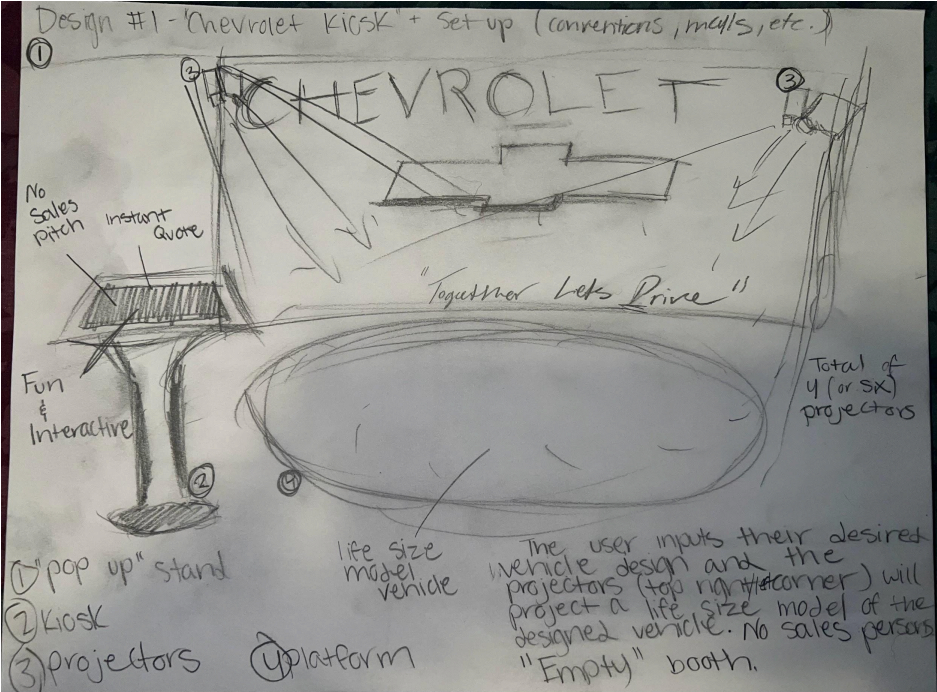
HOLOGRAPHIC SHOWROOM -
The user/customer inputs (or enters) their desired vehicle’s design into the kiosk. The four to six projectors above, will project a life-scale model of the user/customer’s design. No salesperson, paperwork, bargaining, or spiel.
The holographic showroom is a fun, interactive, unique way of showcasing the car-buying experience for the user/customer.
Design 2
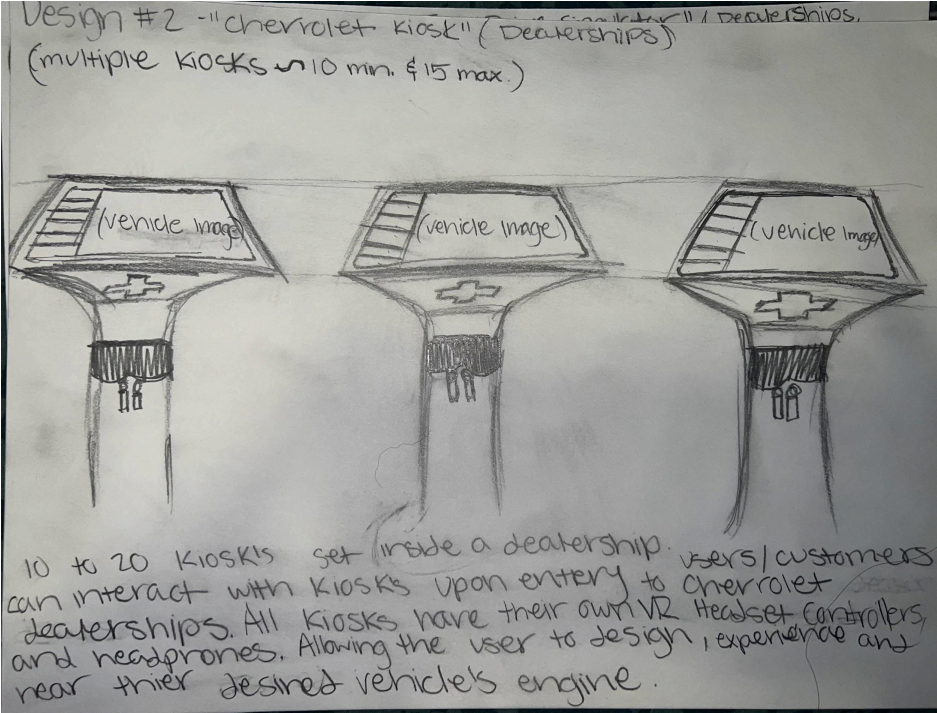
INTERACTIVE CONFIGURATION KIOSK -
Kiosks (set inside each dealership), about 10 minimum to 20 maximum. Users/customers can interact with touchscreen kiosks upon entry to Chevrolet. All kiosks have their own VR (virtual reality) headset, controllers, and noise-canceling headphones.
Allowing the user/customer to design, experience, and hear their desired vehicle’s engine.
Design 3
VIRTUAL TEST DRIVING -
Users/customers can design their vehicles using the kiosk (or tablet). Then upload their customized vehicle to the simulation pod. User/customer will then be able to experience what it may feel like to drive their vehicle on dry asphalt, snow, ice, uneven surfaces, and more.
Helps the user/customer understand the vehicle's layout and interior. Assists with questions about driving in different weather (or road) conditions.
Color Palette
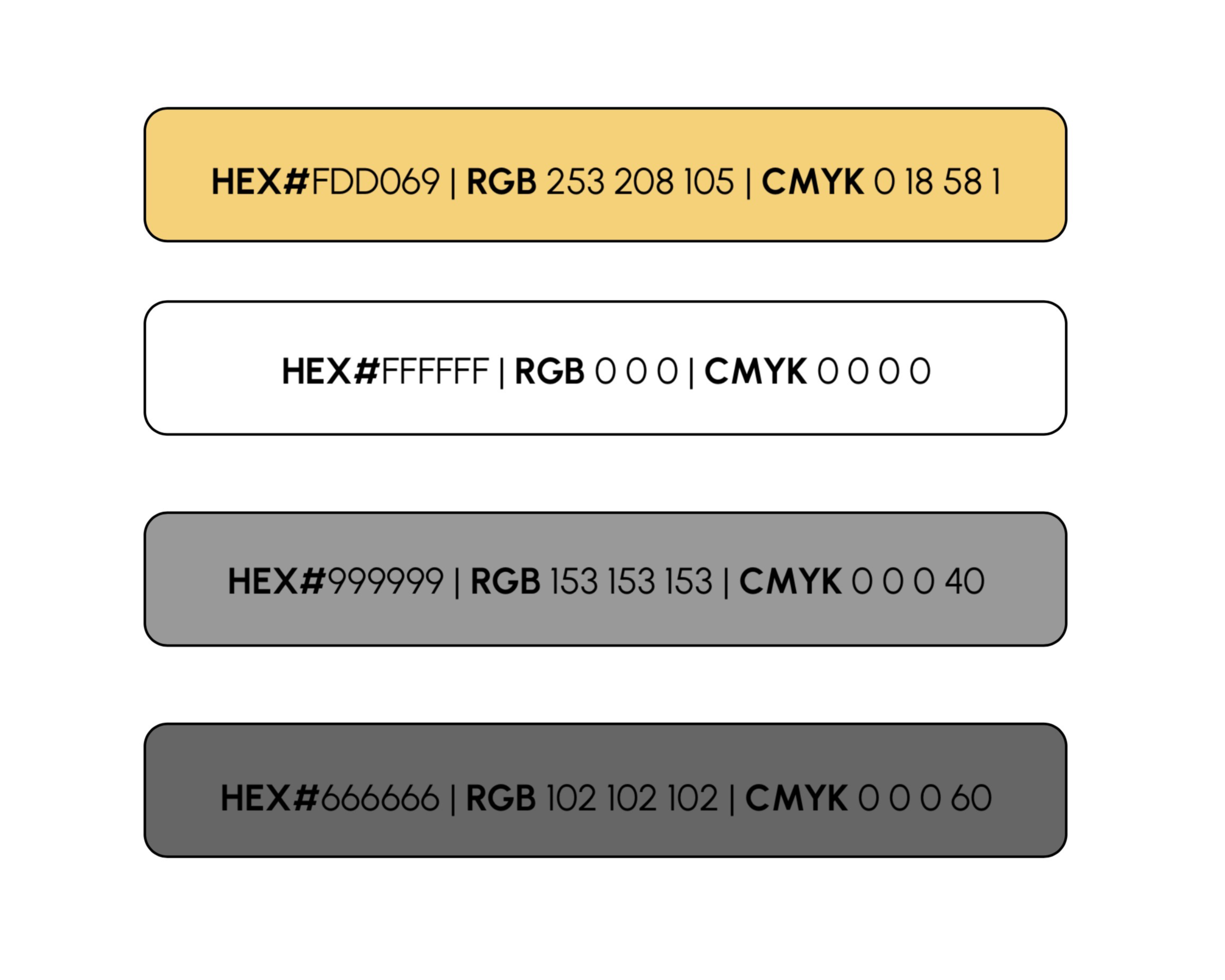
I wanted to keep Chevrolet’s modern color palette for brand authenticity.
Typography
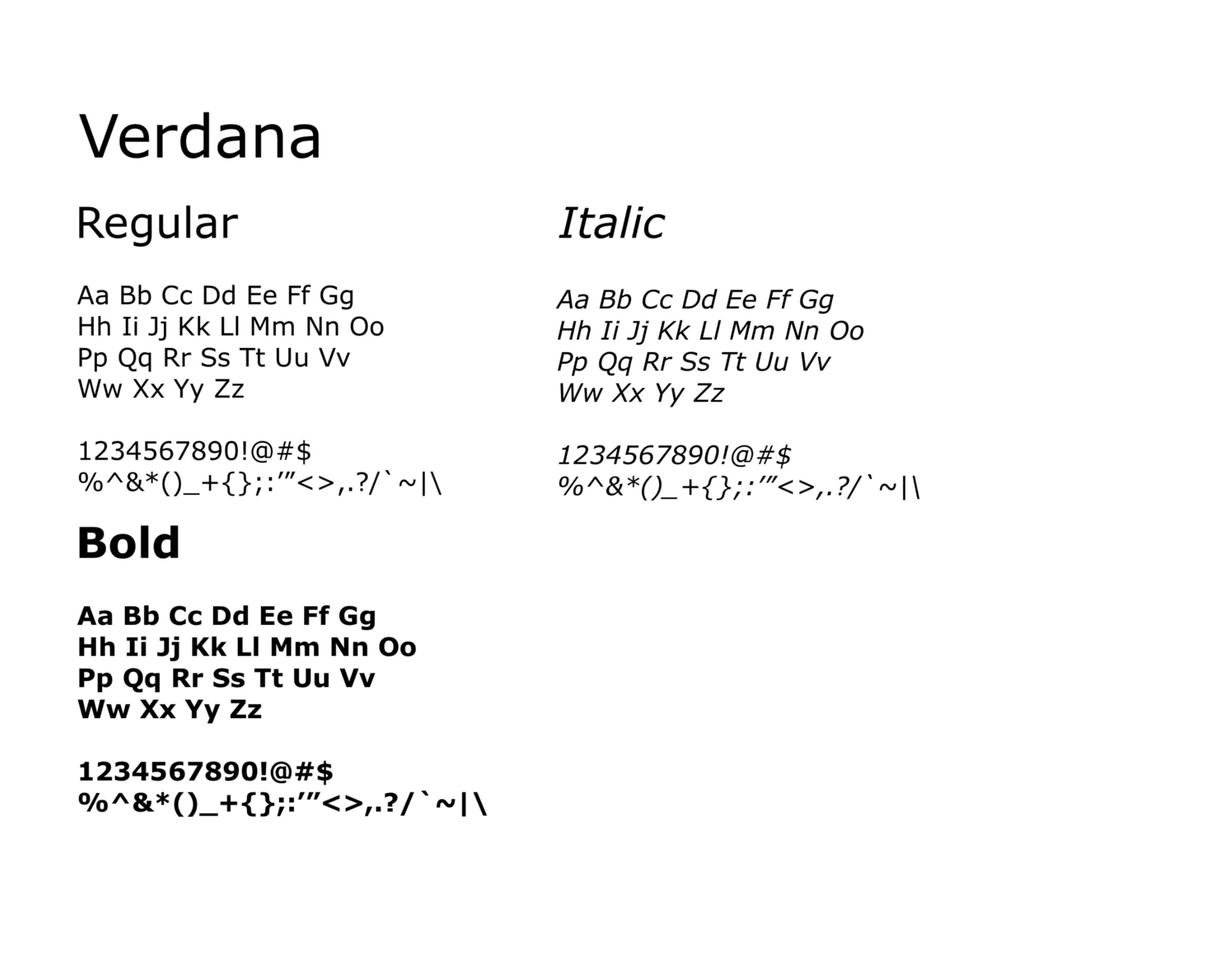
I chose Verdana because of its clean and highly legible letterforms. Easy-to-read typography supports user-centered designs. Since the goal was to simplify the vehicle-buying experience, I wanted the typography to feel straightforward and accessible rather than overly decorative.
Wireframe Sketches
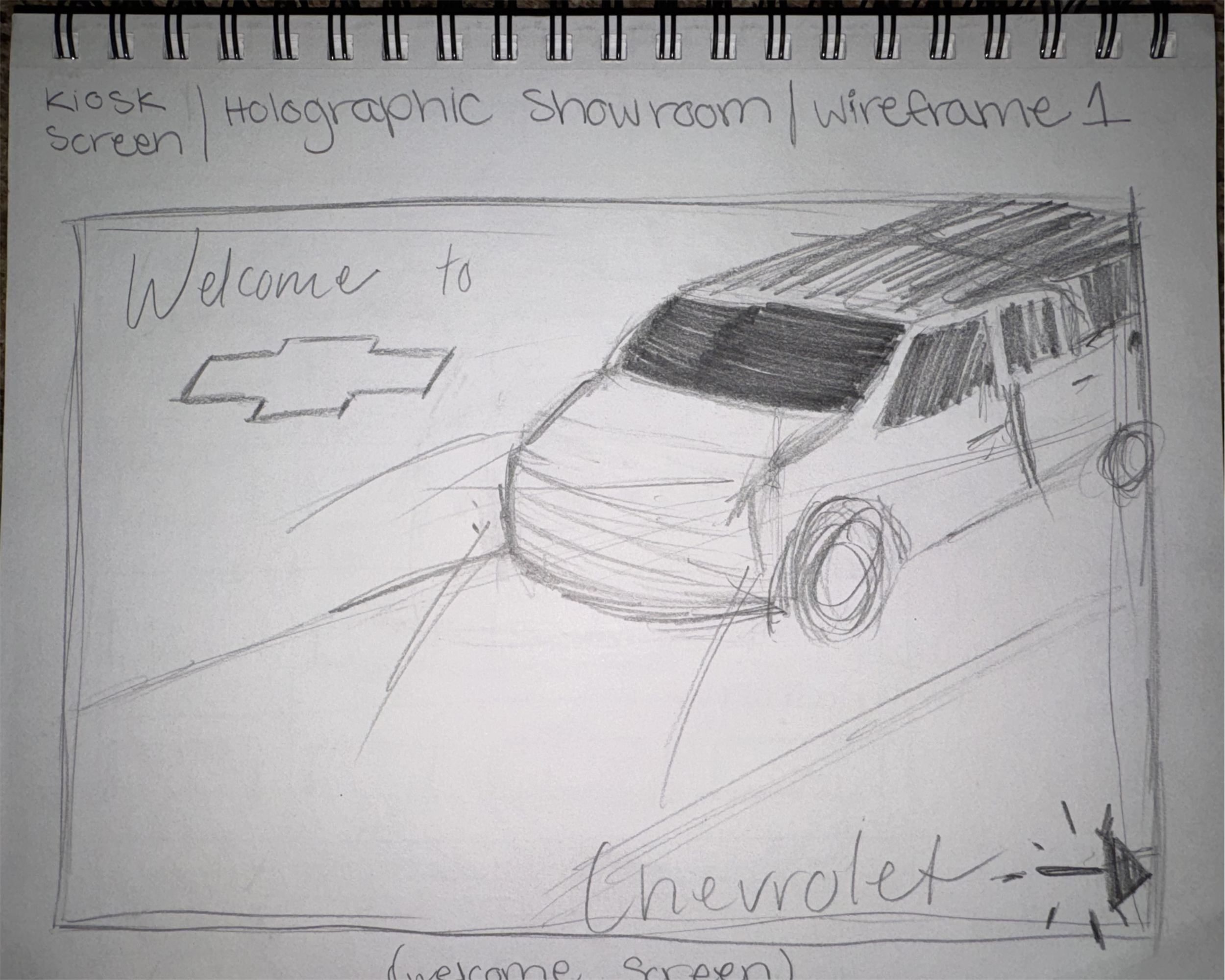
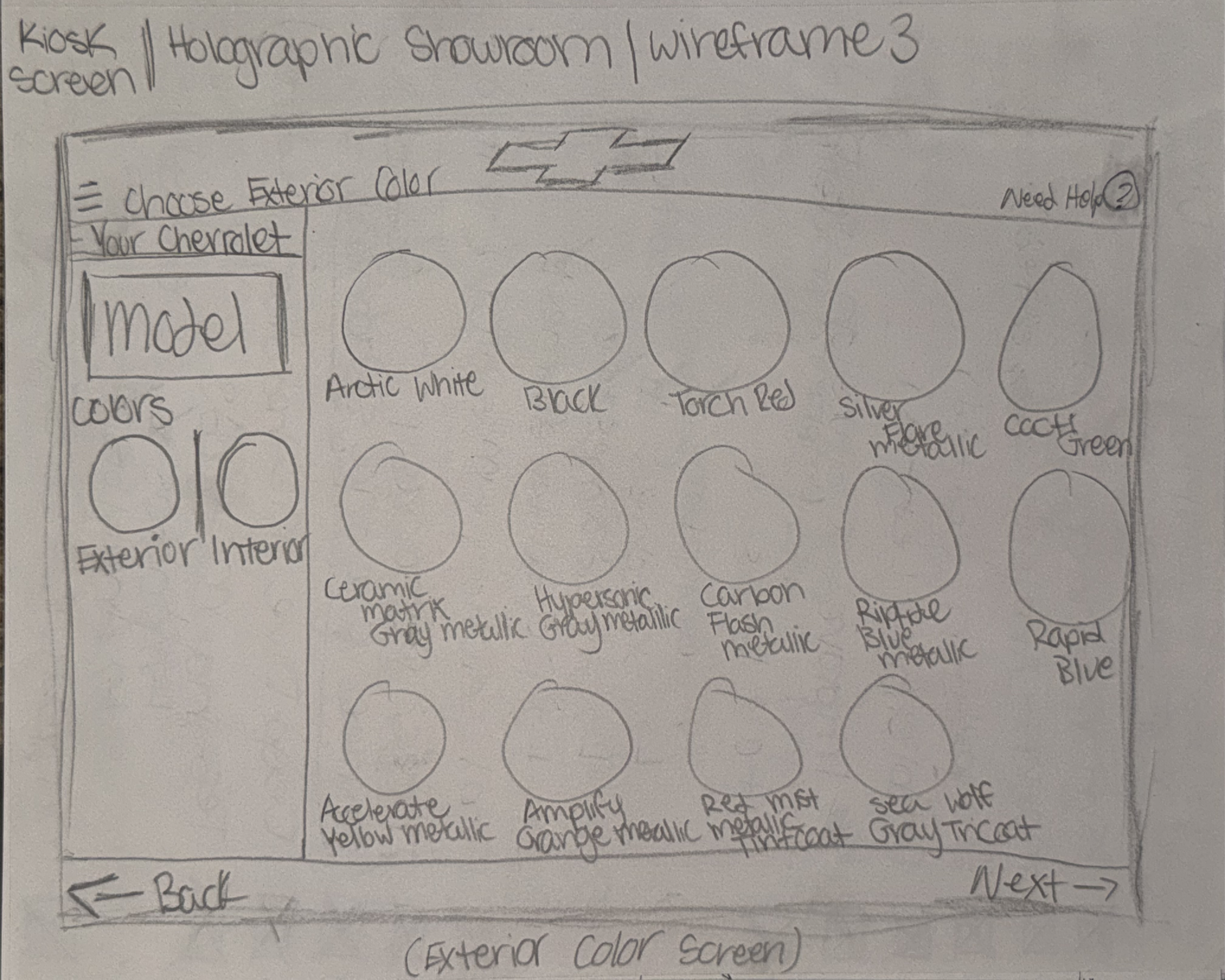
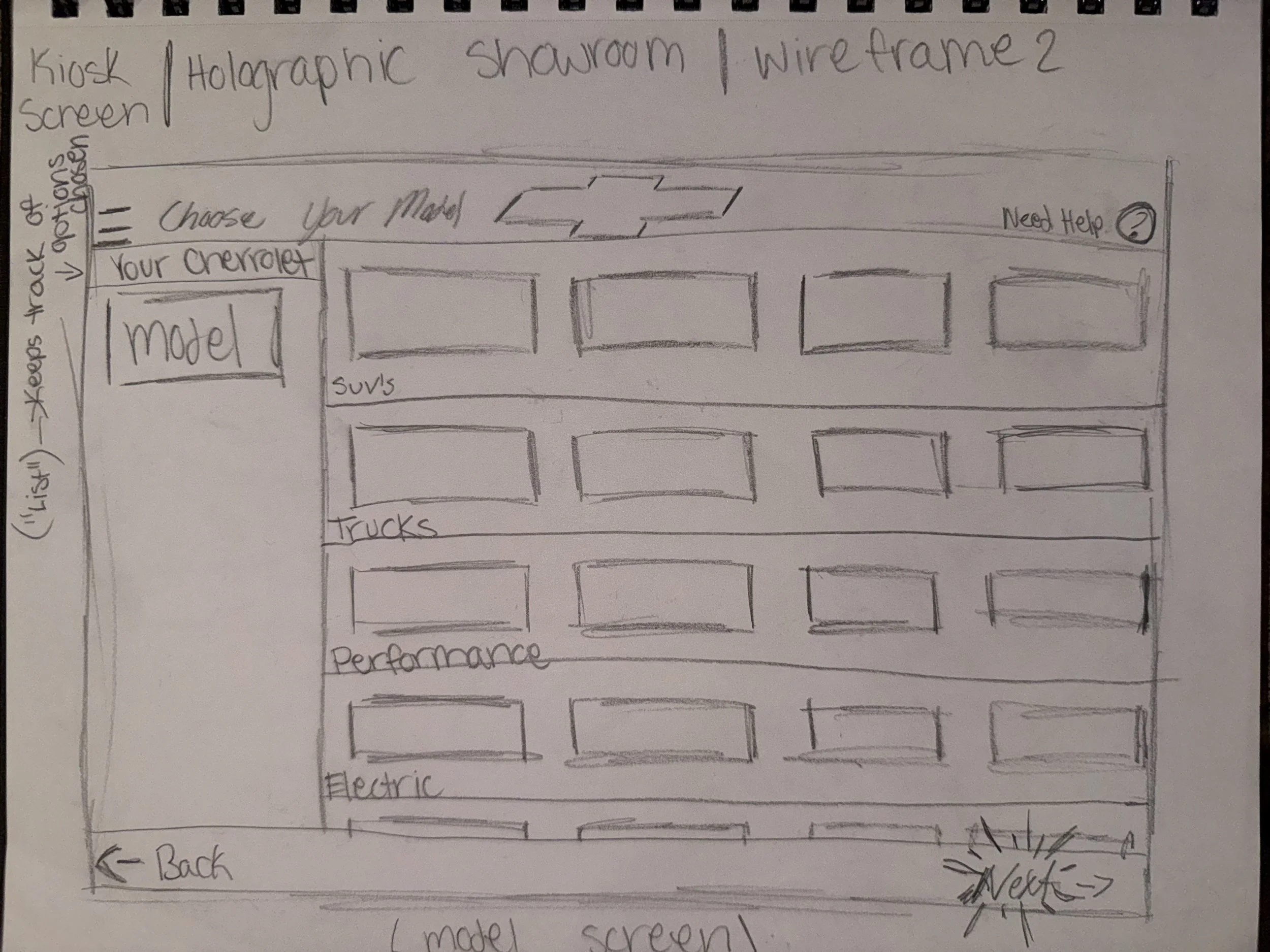
Wireframe sketches for the on-screen display for the interactive configurator kiosks.
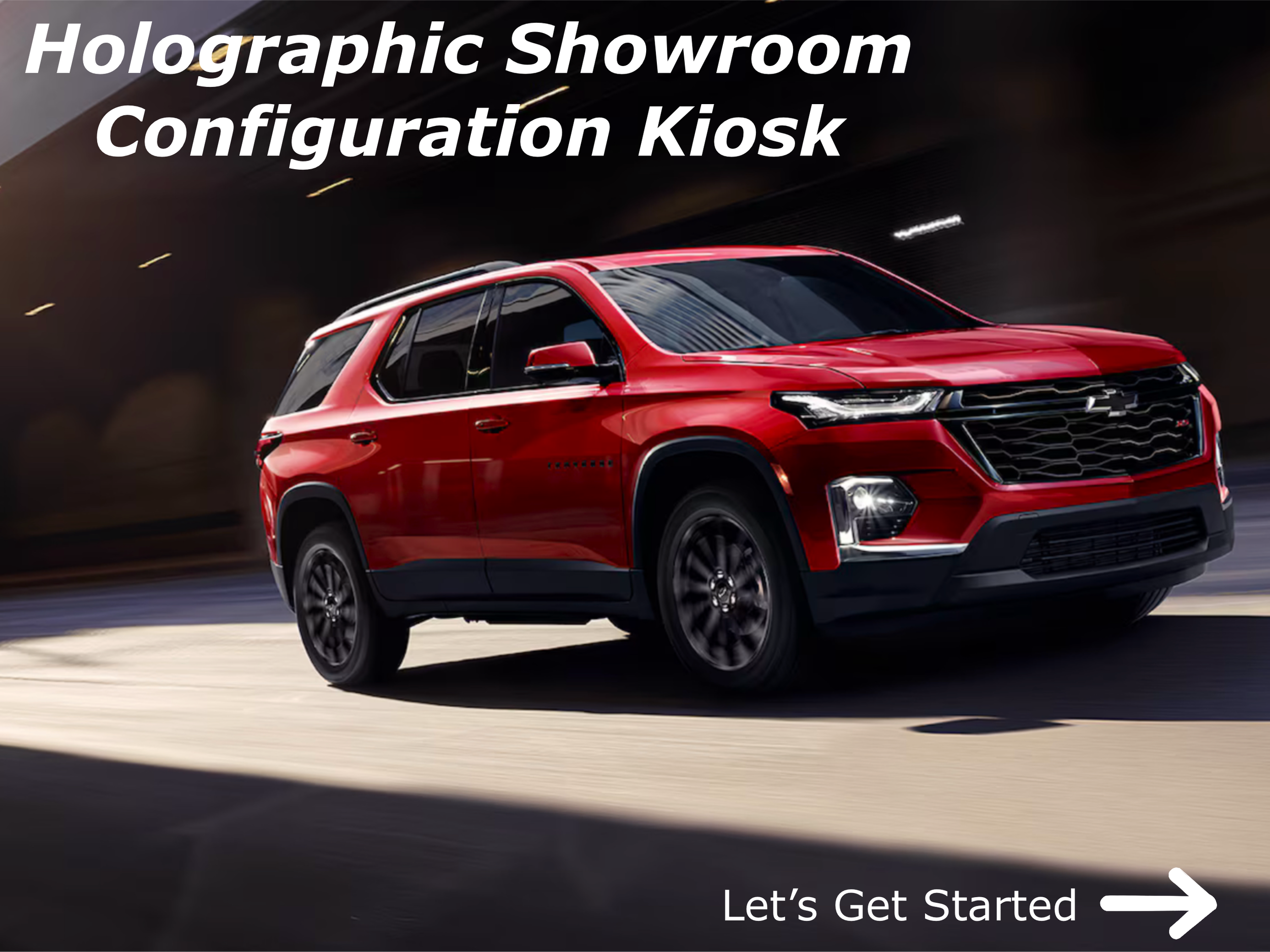
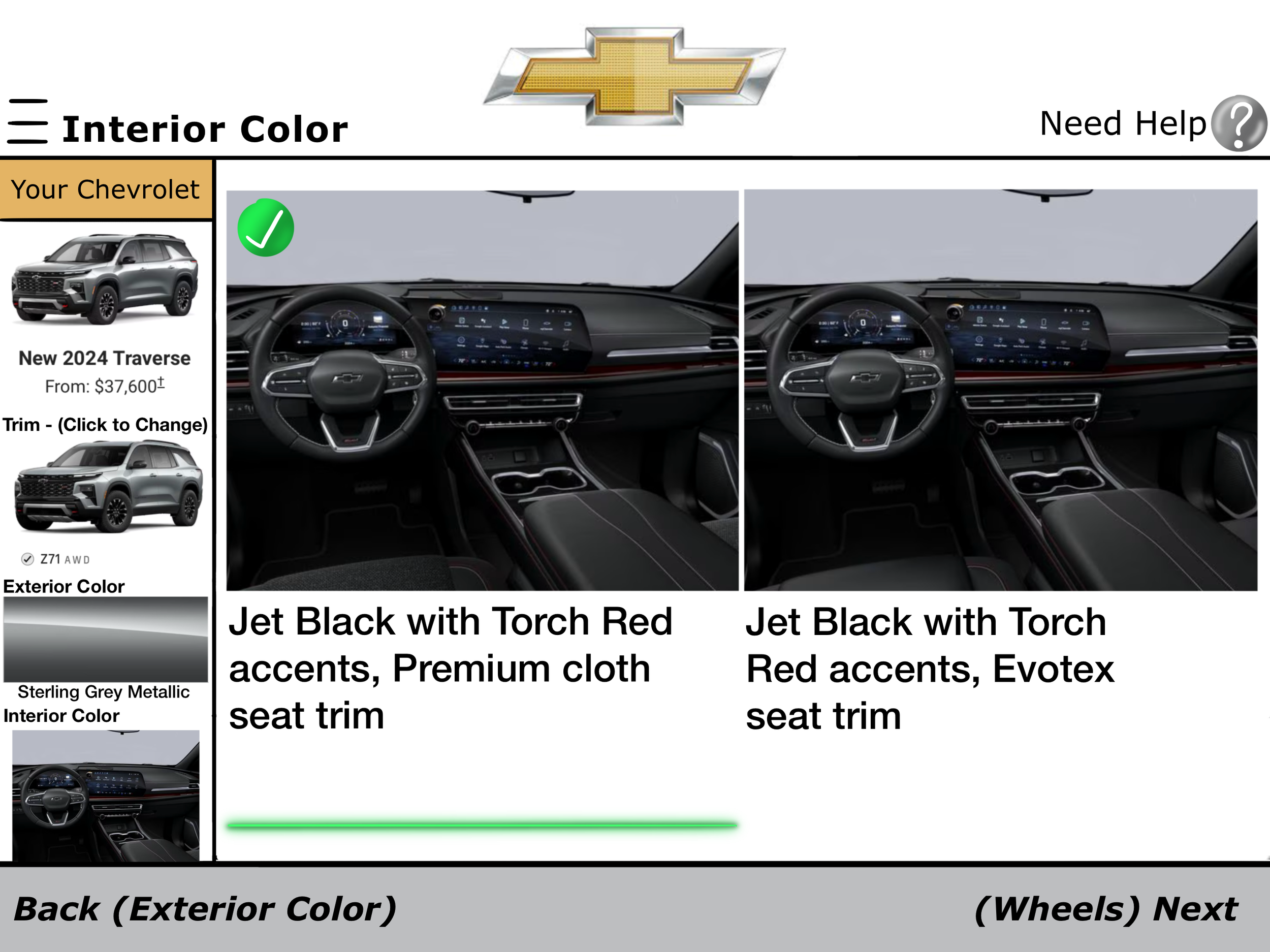
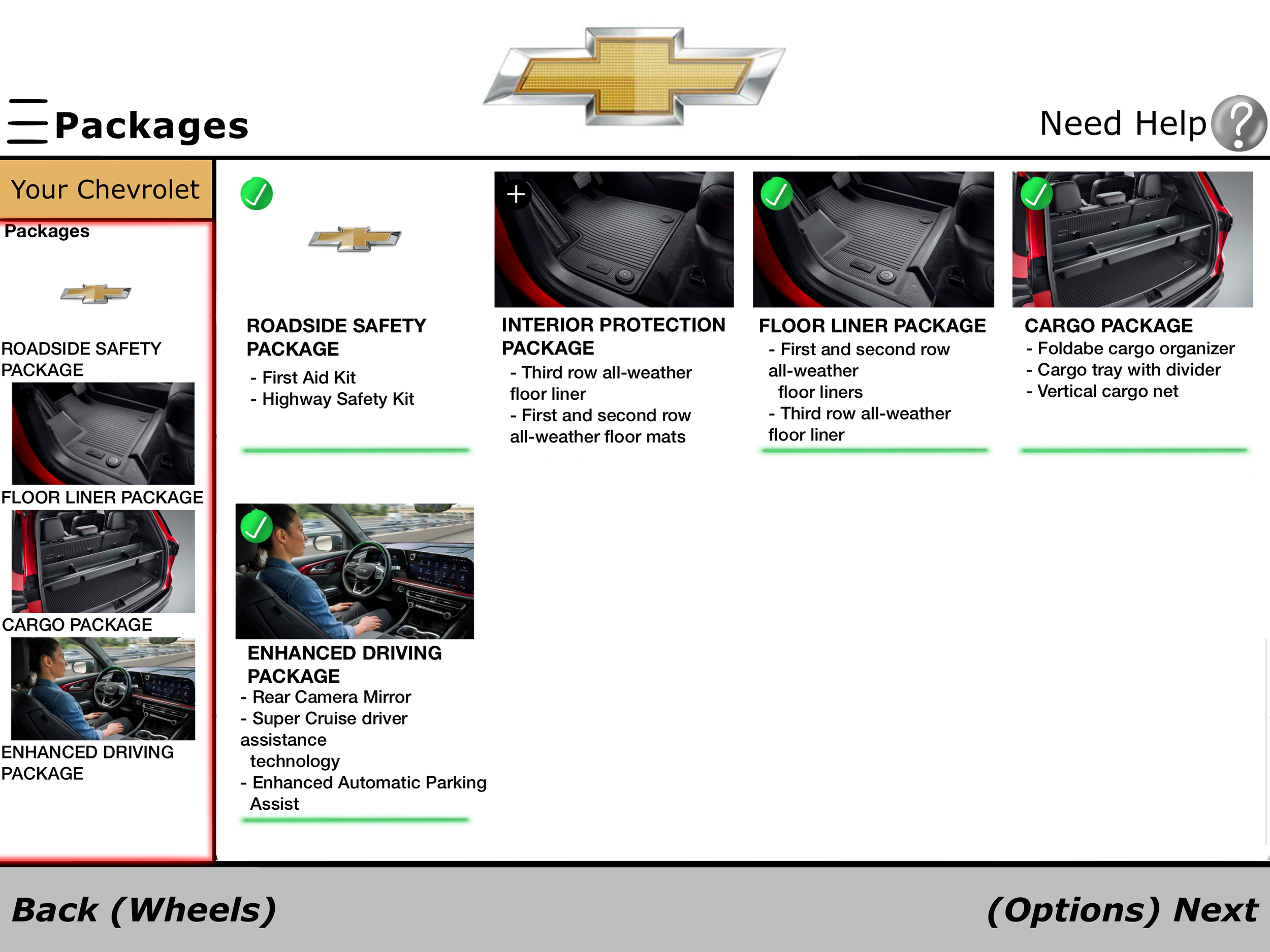
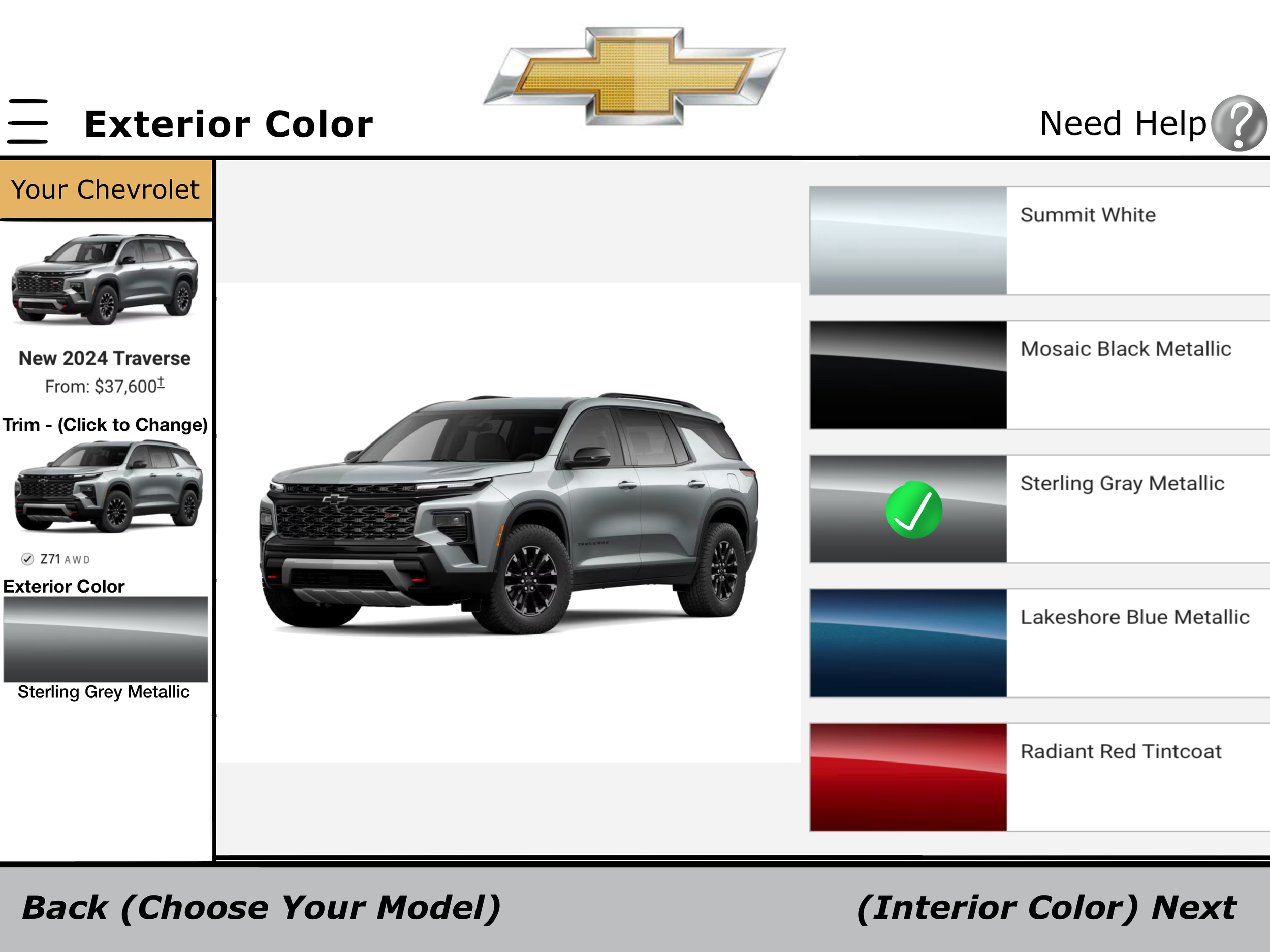
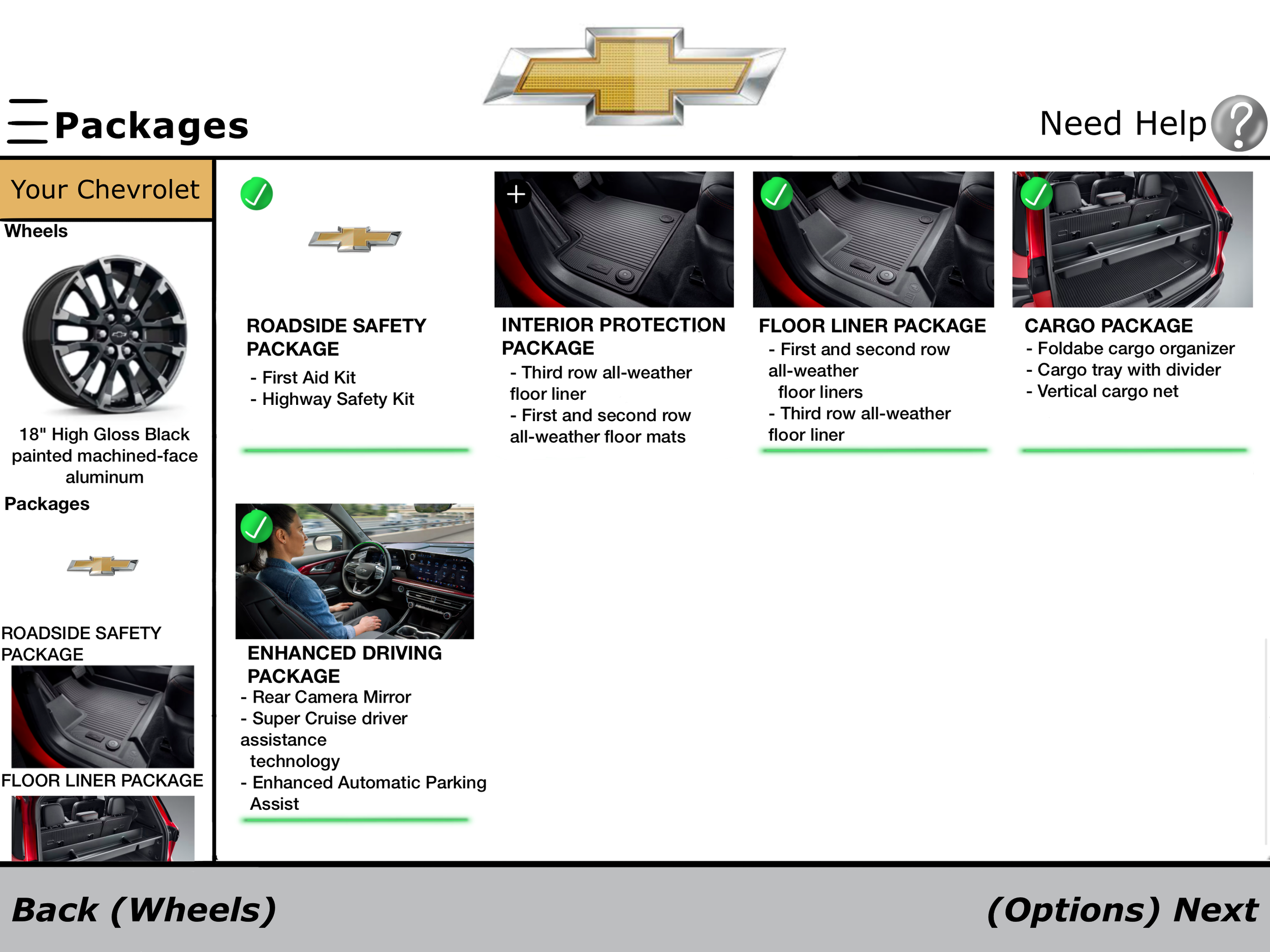
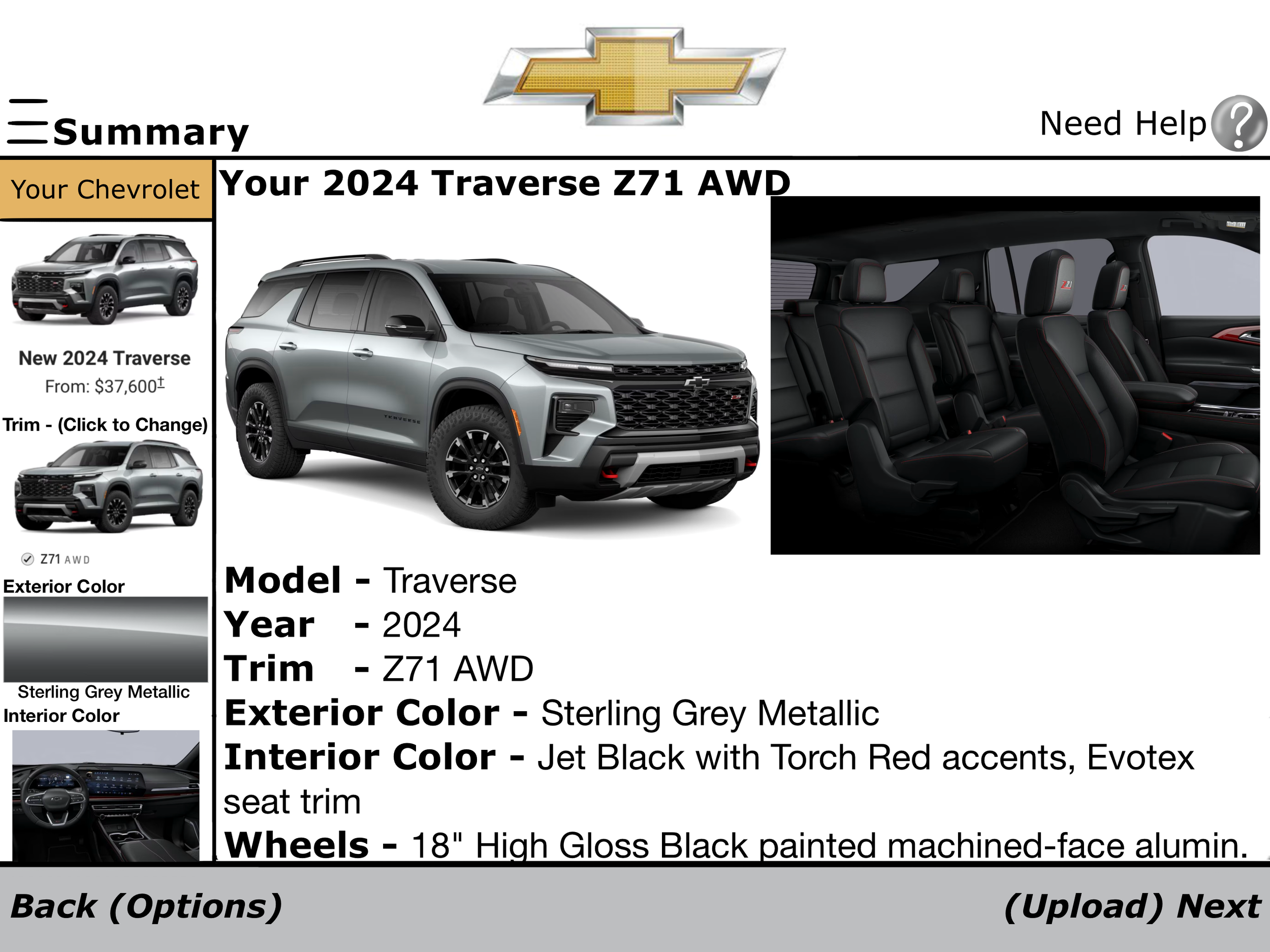
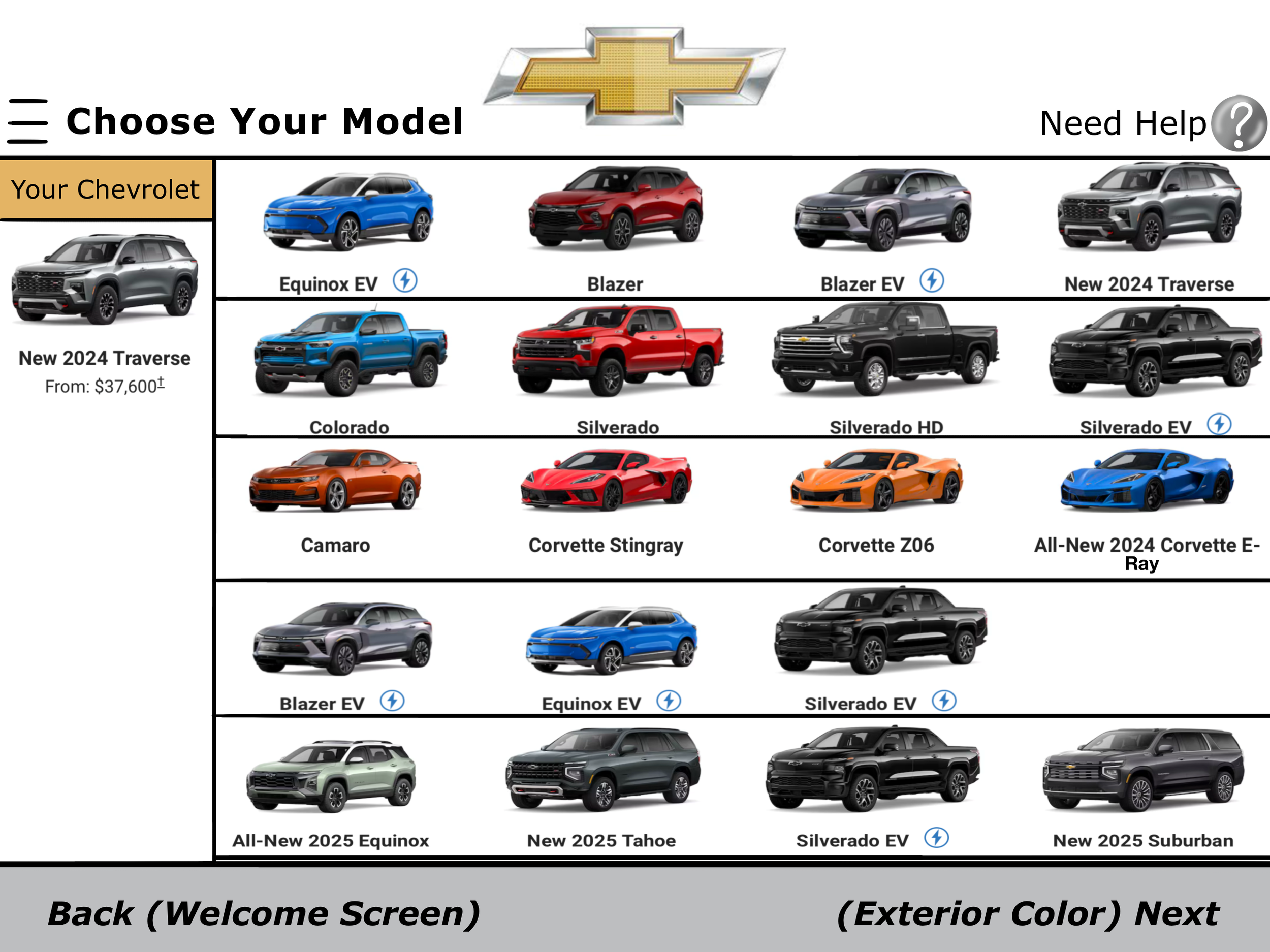
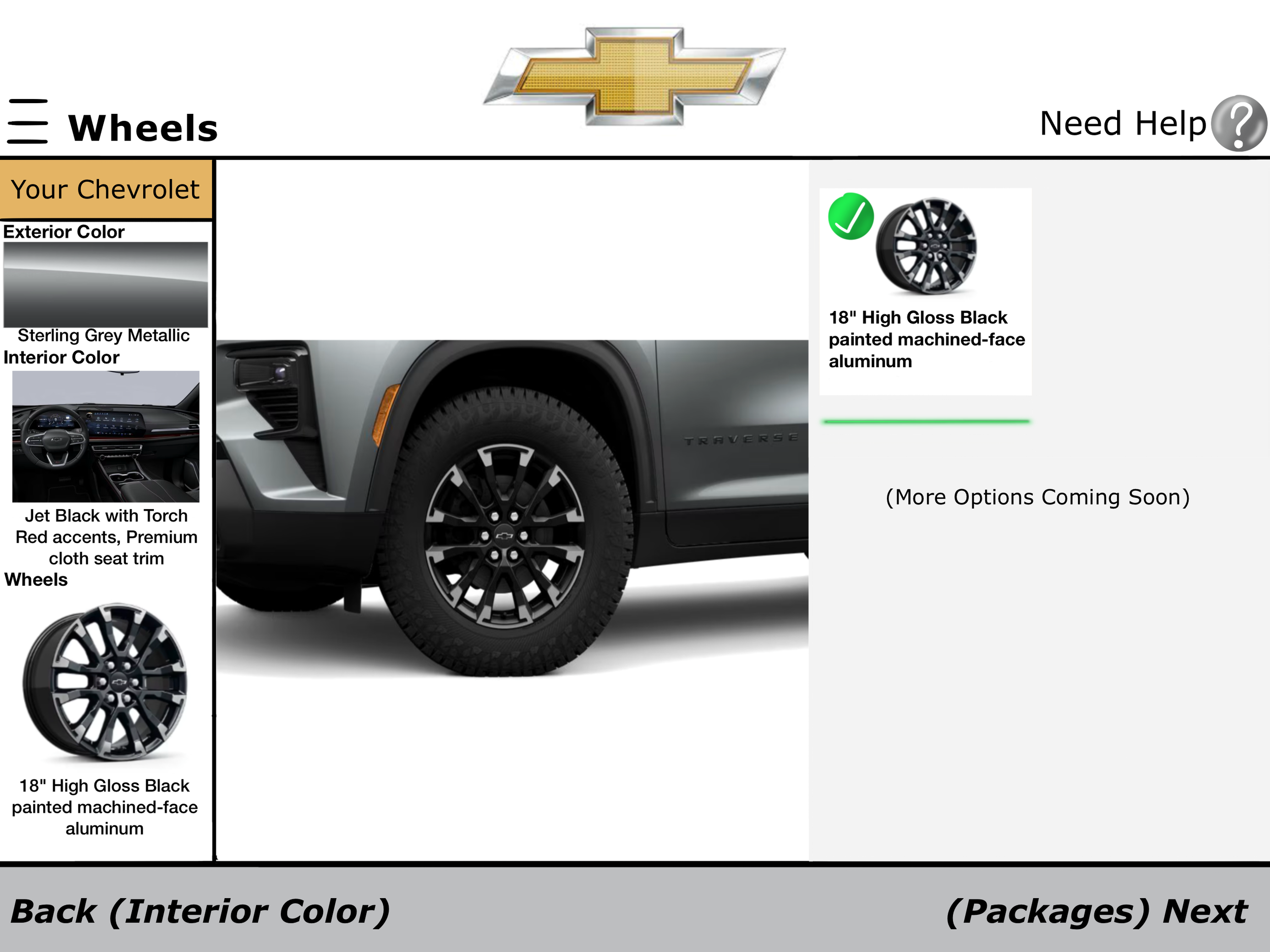
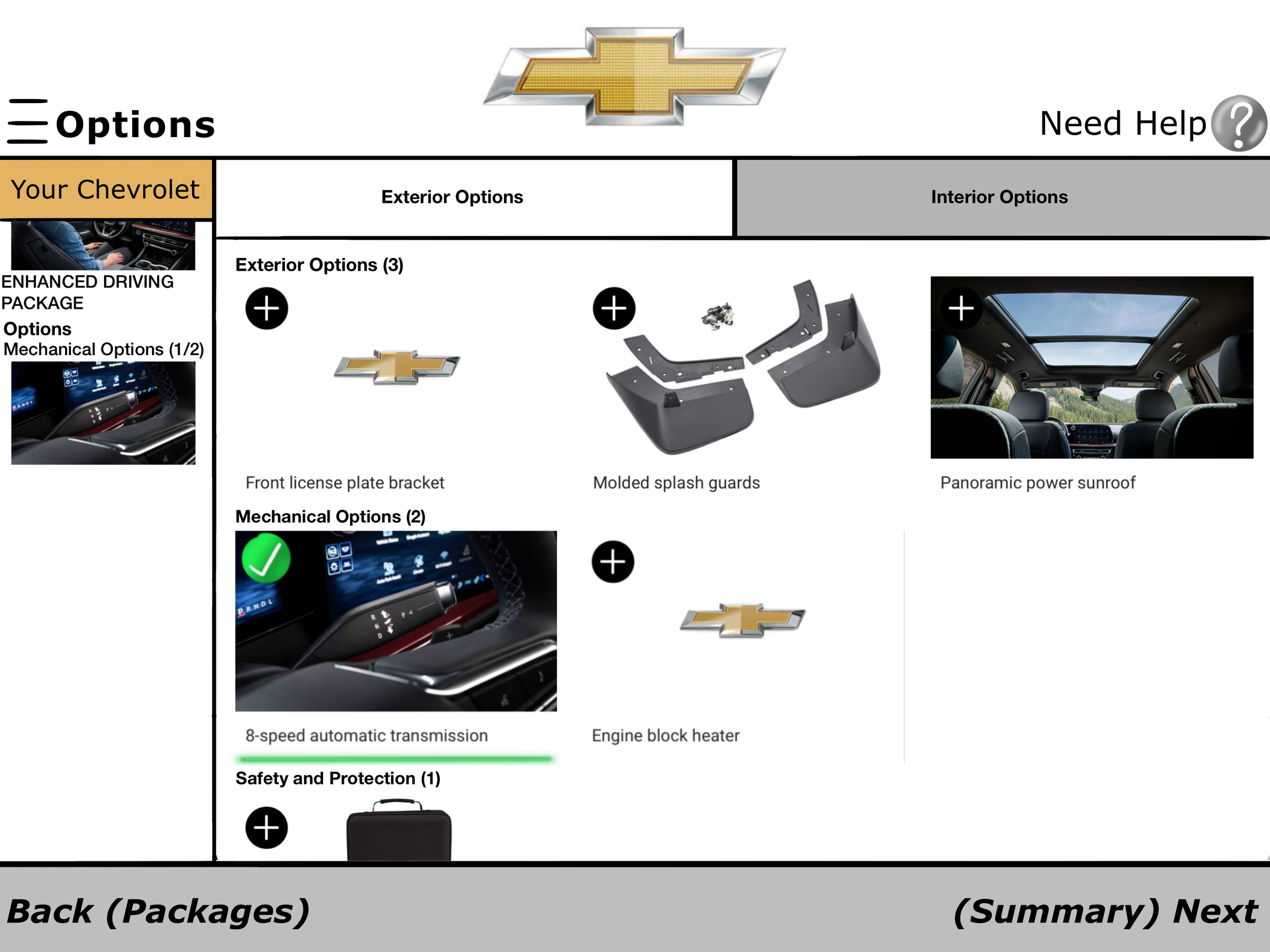
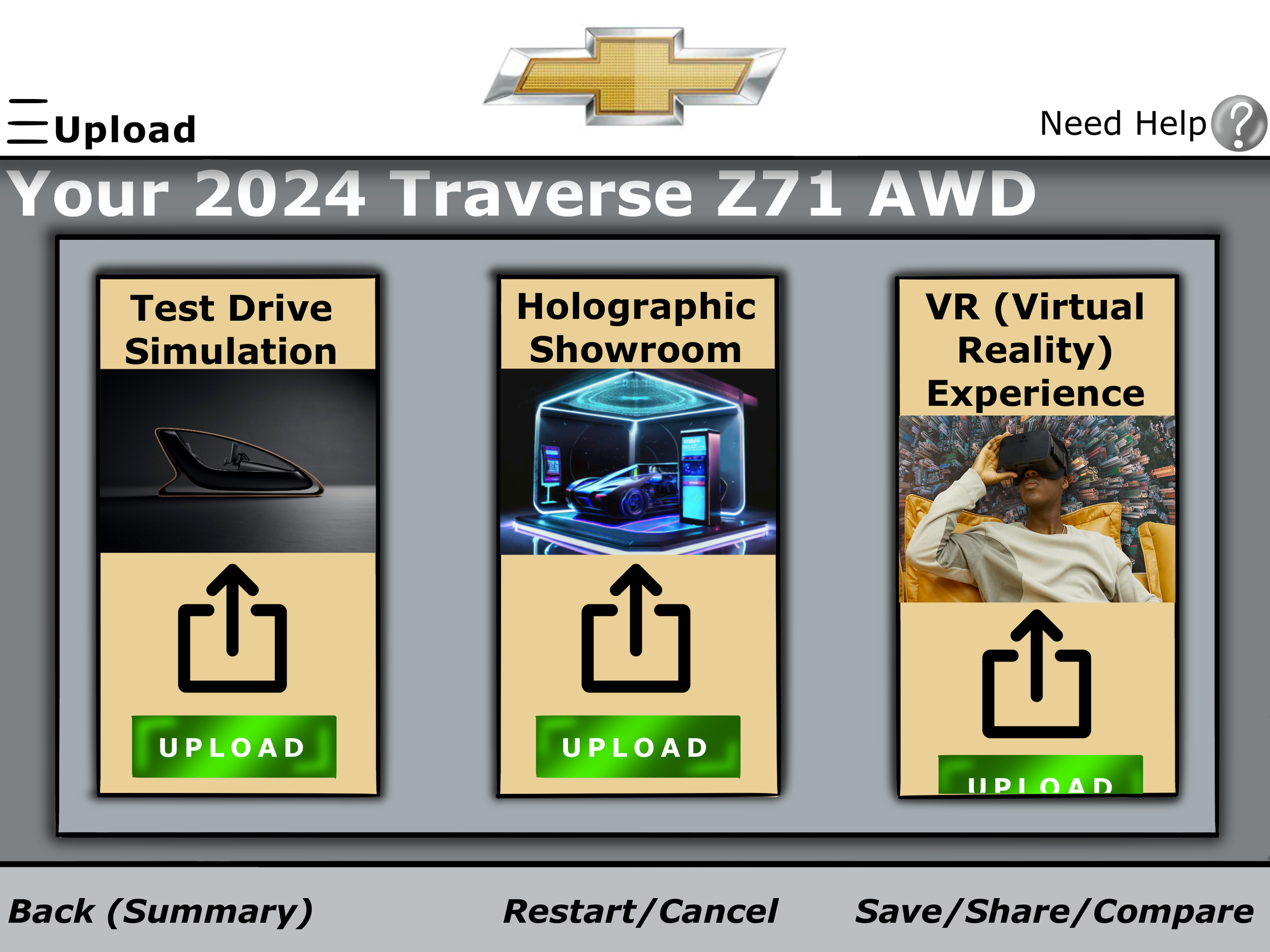
Digital Kiosk On-Screen Wireframes